

Matter robot vacuum support is quickly becoming a must-have for smart home buyers, but in 2024, real-world adoption is still in its infancy. If you want seamless Apple Home integration or are waiting on a truly cross-platform robovac, here’s exactly what’s possible (and not) today.
Key Takeaways
- Matter-certified robot vacuums remain niche in 2024, with very few market-ready options—most major brands are still in the “coming soon” phase.
- Integration with Apple Home is possible, but full features and reliability are limited; expect only basic controls in most smart home apps.
- Advanced buyers must consider privacy risks, reliance on cloud updates, and limited future-proofing when choosing a Matter robot vacuum today.
- What Is a Matter Robot Vacuum and Why Does It Matter?
- How to Connect and Use a Matter Robot Vacuum: Step-by-Step Guide
- Advanced Analysis & Common Pitfalls for Matter Robot Vacuums
- Conclusion: Should You Buy a Matter Robot Vacuum?
- FAQ: Matter Robot Vacuum
What Is a Matter Robot Vacuum and Why Does It Matter?
A Matter robot vacuum is a smart robovac that supports the Matter standard—a new, universal protocol for smart home devices. Matter promises plug-and-play compatibility between brands, so your vacuum should work equally well with Apple Home, Google Home, and Alexa.
In theory, this solves the old problem of “ecosystem lock-in,” letting you control your robot vacuum from any app or voice assistant. As of 2024, however, true Matter robot vacuums are rare. Most available smart vacuums instead rely on brand-specific apps and support Alexa or Google Home first, with Apple Home integration either unofficial or limited to basic features.
Full-featured, native support for Apple Home (also called HomeKit) is even rarer. Most leading vacuums—like Roborock, iRobot, and Ecovacs—require unofficial workarounds such as HomeBridge or Home Assistant plugins to show up in Apple Home, and these integrations don’t always expose advanced features.
The market is changing fast. Reports forecast the robot vacuum market to reach USD 17 billion by 2035, driven by upgrades to connected, “future-proof” robots.
But as of now, Matter-certified vacuums remain “experimental”—often found only in higher-end models with vague support timelines. Matter support is still a differentiator, not a standard.
If you want to explore advanced home upgrades, you might also like energy efficiency upgrades or discover how machine washable rugs make home cleaning simpler.
How to Connect and Use a Matter Robot Vacuum: Step-by-Step Guide
- Check Model Support First
Few robots are truly Matter-certified in 2024. Check the CSA (Connectivity Standards Alliance) database, the manufacturer’s support page, or trusted sources like Vacuum Wars’ Matter explainer for updated lists of eligible models. - Update Firmware and Vendor App
Install the latest firmware on your vacuum using the official vendor app. Many brands limit Matter as an “opt-in” update and may require a particular app version, region setting, or even an explicit beta sign-up. - Prepare Your Home Network
For smooth onboarding, ensure your Wi-Fi runs on 2.4GHz (not just 5GHz). Disable any guest networks or router firewalls that might block device discovery. - Commissioning via Matter
Open the Apple Home app (iOS 16.2+) or your preferred smart home controller. Tap “Add Accessory,” scan your robot’s Matter QR code, and follow prompts. Some failures may occur (see troubleshooting in the next section). - Verify Feature Exposure
In Apple Home or Google Home, test what controls are visible—most robots expose “Start cleaning,” “Pause,” “Return to dock,” and perhaps a mode toggle. Advanced features like room-specific cleaning, maps, or scheduling are usually missing. - For Non-Matter Models: Use HomeBridge/Home Assistant
Many leading robovacs (Roborock, iRobot, Ecovacs) can unofficially integrate with Apple Home using a bridge (e.g., HomeBridge). Search for a plugin that matches your robot model. Be prepared for potential breakage whenever the vendor updates its cloud service.
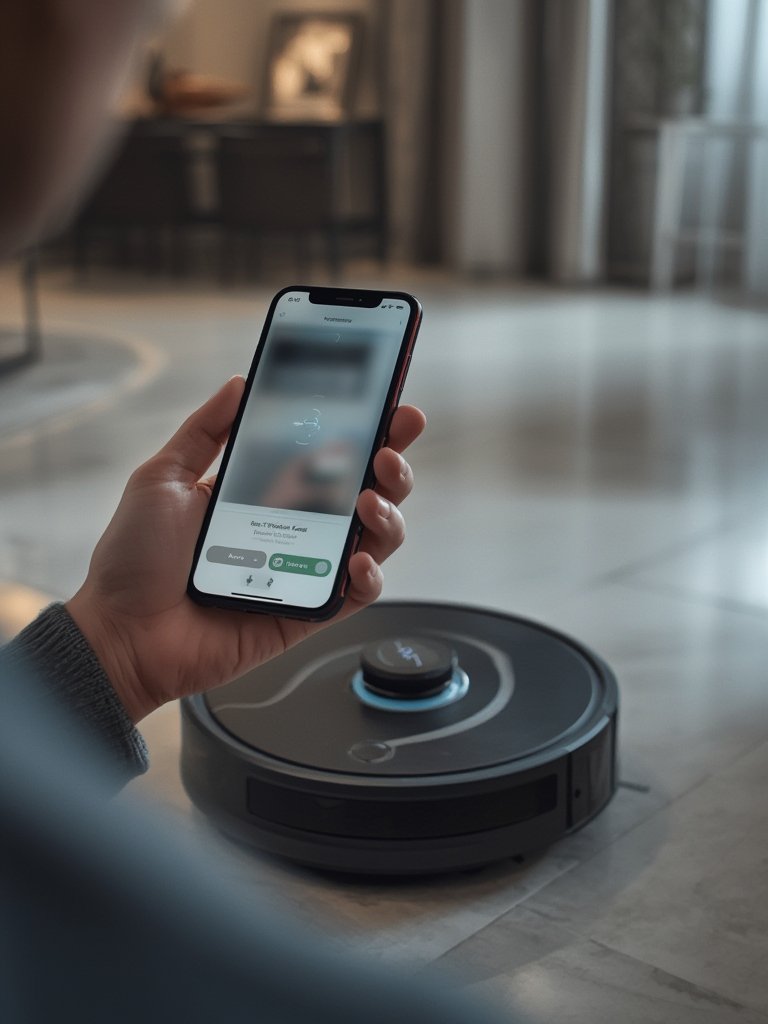
You can further automate cleaning by setting routines based on presence sensors or geofencing. If you want a more advanced cleaning approach, see how robot vacuum mop combos can handle more floor types, or read about roller mop robot vacuums for even deeper cleaning.
Advanced Analysis & Common Pitfalls for Matter Robot Vacuums
Despite the promise of Matter and Apple Home compatibility, you’ll encounter some real-world bumps:
- Onboarding and Connectivity Frustrations: Matter setup can fail if your Wi-Fi isn’t compatible, hubs are outdated, or firmware is missing. Commissioning errors are common—and not always well-explained.
- Partial Feature Support: Through Matter or Apple Home, only basic controls may show up (start/stop/dock). Key features—room-level jobs, scheduling, special mop modes—are usually locked to the vendor’s app.
- Reliability Problems: Vacuums often go “offline” in Apple Home, even if the main app still works. This happens after router changes, power cycling, or app/firmware mismatches.
- Fragile Third-Party Integrations: HomeBridge/Home Assistant plugins may break when your robot manufacturer changes its cloud authentication. Expect occasional manual fixes.
- Cloud Dependency: Even “local” Matter setups may rely on vendor clouds for maps and advanced features. If the vendor retires the API or ceases support, your robot could lose key functions.
| Aspect | Matter-certified robot vacuums | Apple Home/HomeKit alternatives |
|---|---|---|
| Primary Standard | Matter 1.x (Wi-Fi/Thread) | Vendor cloud w/ Alexa/Google; unofficial HomeKit |
| Apple Home Support | Native (as accessory) | Possible via HomeBridge or app-based Shortcuts |
| Ecosystem Reach | Apple, Google, Amazon, all via Matter | Usually Alexa/Google, limited native Apple support |
| Feature Coverage | Basic controls (start/stop/dock) | Full features in vendor app; limited via HomeKit |
| Price Range | Mostly $500–$1,500 | $200 to premium tier |
| Longevity | May get more updates as Matter matures | Heavily tied to vendor app life and plug-in support |
Don’t forget about stair climbing robot vacuums if your home has multiple floors, or threshold climbing robot vacuums to tackle uneven surfaces—not all Matter-ready robots can handle unique layouts physically even if the app suggests compatibility.
Security-wise, Matter and Apple Home enforce strong data encryption and local control for basic commands. However, robot vacuums still hold sensitive mapping and—if equipped—camera data, with most advanced processing happening in vendor clouds. Always review the manufacturer’s privacy policy before purchase.
Conclusion: Should You Buy a Matter Robot Vacuum?
A Matter robot vacuum is a promising investment—if you prize interoperability and aspire to future-proof your smart home. But in 2024, be realistic: you’ll get basic device control in Apple Home or Google Home but probably lose out on advanced features (room targeting, cleaning maps, mopping adjustments) that stay locked in brand apps.
If you’re a tinkerer or early adopter, follow the updates from top brands. Look for explicit firmware and app roadmap commitments, and track gradual rollouts (Narwal, Roborock, iRobot, etc). For most users, it’s wise to choose a vendor with proven app quality, and to consider whether you’ll accept workarounds until full Matter support matures.
Before you buy, also explore retractable LiDAR robot vacuums for under-furniture cleaning, or see our energy efficiency upgrades guide to make sure every home upgrade is worth your investment.
Ready to shop or upgrade? Vet model compatibility, double-check firmware status, and weigh up privacy and long-term support. Matter may be the future—but today, choose wisely.
FAQ: Matter Robot Vacuum
Are there any Matter robot vacuums I can actually buy now?
As of early 2024, there are only a handful of Matter-certified robot vacuums officially listed—most from niche or premium brands. Major brands like Roborock and iRobot are still in the “announced” or “planned” stages, with Narwal targeting 2026 for full Matter support. Always check the latest certifications before buying.
Will connecting my robot vacuum to Apple Home unlock all of its features?
No. Even when using Matter or unofficial Apple Home integrations, you’ll typically have access only to basic functions: start, stop, docking, and sometimes a cleaning mode toggle. Advanced features like room selection, maps, and scheduling are usually only available in the brand’s main app.
Why does my Matter robot vacuum show as “No Response” in Apple Home?
This is a common issue. It can be triggered by home network changes (like router restarts), firmware mismatches, or instability in the Apple Home hub. Restart devices, verify software updates, and keep all hardware on the same Wi-Fi for best results.
Is using HomeBridge or Home Assistant a good alternative if my vacuum doesn’t support Matter?
Yes, these bridges let many popular robots (Roborock, iRobot, Ecovacs) show up in Apple Home, but integrations can break whenever the robot maker changes its cloud API or login process. They’re perfect for tinkerers and those comfortable troubleshooting, but less ideal for plug-and-play users.
Are there privacy risks with Matter robot vacuums?
Matter and Apple Home provide strong encryption and local control for basic commands. However, maps, cleaning logs, and camera data (if present) are often stored in the vendor’s cloud, not just locally. Review privacy policies, especially if your vacuum has mapping or video features.