

Carpet safe robot vacuum mop technology has changed how we clean homes with mixed flooring, making it possible to vacuum and mop in a single pass—without soaking your carpets. If you’re looking for a robot that can deep-clean hard floors and keep your rugs dry, understanding these designs is essential to avoid soggy carpets and wasted money.
Key Takeaways
- Truly carpet safe robot vacuum mop models rely on effective auto-lifting or shield mechanisms, but many budget options still risk wet carpets.
- Even high-end models like Ecovacs and Eufy can struggle with dark rugs, high-pile carpets, and navigation errors—read real user tests before buying.
- Ongoing maintenance (mop pads, dock cleaning, brushes) impacts real costs—review warranty terms and avoid hidden expenses.
- How Carpet Safe Robot Vacuum Mop Tech Works
- How to Choose and Use a Carpet Safe Robot Vacuum Mop
- Advanced Analysis & Common Pitfalls
- Conclusion
- Frequently Asked Questions
How Carpet Safe Robot Vacuum Mop Tech Works
A carpet safe robot vacuum mop is designed to automatically lift or shield its mopping pads when moving onto carpeted areas, so it never wets your rugs. Most high-end models combine smart sensors (such as LIDAR, 3D cameras, or floor detection) with a mop-lifting mechanism, either raising the damp pad by 5 to 10 millimeters or more, or retracting the mop entirely. This lets the robot move seamlessly from tile or wood to carpets, vacuuming both but only mopping hard floors.
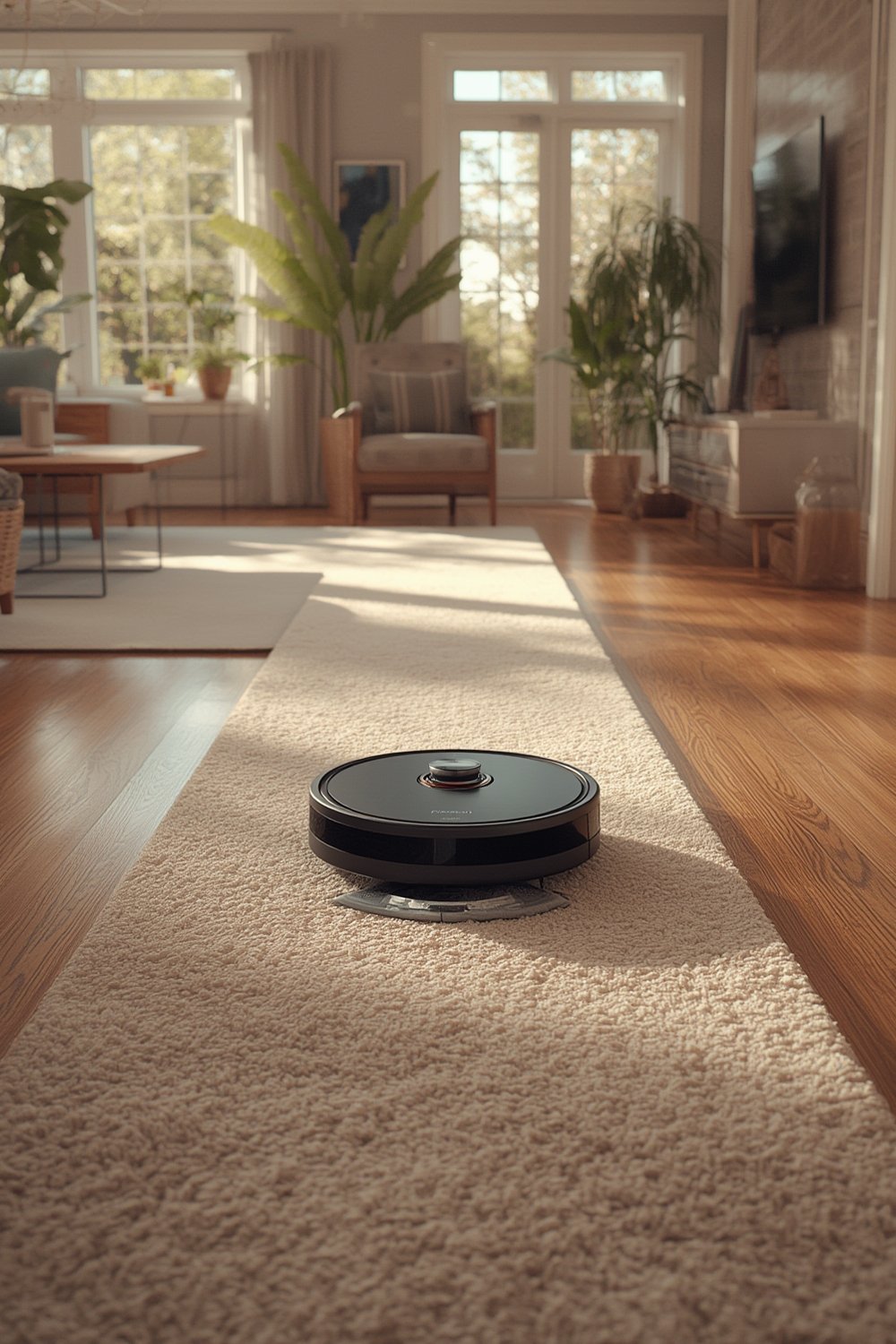
Why does this matter? Traditional robot vacuums with unsophisticated mop modules can drag a wet pad over carpet, leaving damp spots or soaking shag rugs. Carpet safe designs eliminate this pain point and allow genuine set-it-and-forget-it cleaning. For pet owners or homes with many thresholds, this technology is the difference between daily maintenance and daily headaches.
Mixed-floor cleaning is now one of the top buying criteria for robovac shoppers. Premium models (like Roborock S8 MaxV Ultra, Ecovacs X2 OMNI, Dreame L10S Ultra) have popularized auto-lift but vary in accuracy, responsiveness, and reliability, as covered in consumer tests and independent reviews (source).
How to Choose and Use a Carpet Safe Robot Vacuum Mop
Here’s how to get the most out of a carpet safe robot vacuum mop, from model selection to real-world usage and troubleshooting:
- Assess your floor plan and carpet style. For homes with plush, high-pile, or dark rugs, choose a robot with proven mop-lifting (10 mm or more), strong object detection, and customizable no-mop zones. If your floors are mostly low-pile or hard surface, you have more flexibility.
- Check for verified carpet safe claims in reviews, not just specs. Look for testimony or lab results—such as “carpet stayed fully dry” during real-life mixed-surface runs in independent tests.
- Ensure your robot’s mapping software lets you clearly assign carpet areas as “no-mop zones.” Even the best hardware depends on robust software.
- Understand ongoing costs. Budget for regular mop pad, brush, filter changes, water refilling, and dock cleaning. Some models leave debris or require manual pad swaps.
- Test your robot on all floor transitions and observe behavior. Note any delays on rug edges, sticking on dark patterns, or repeated passes on corners—these are common points of failure.
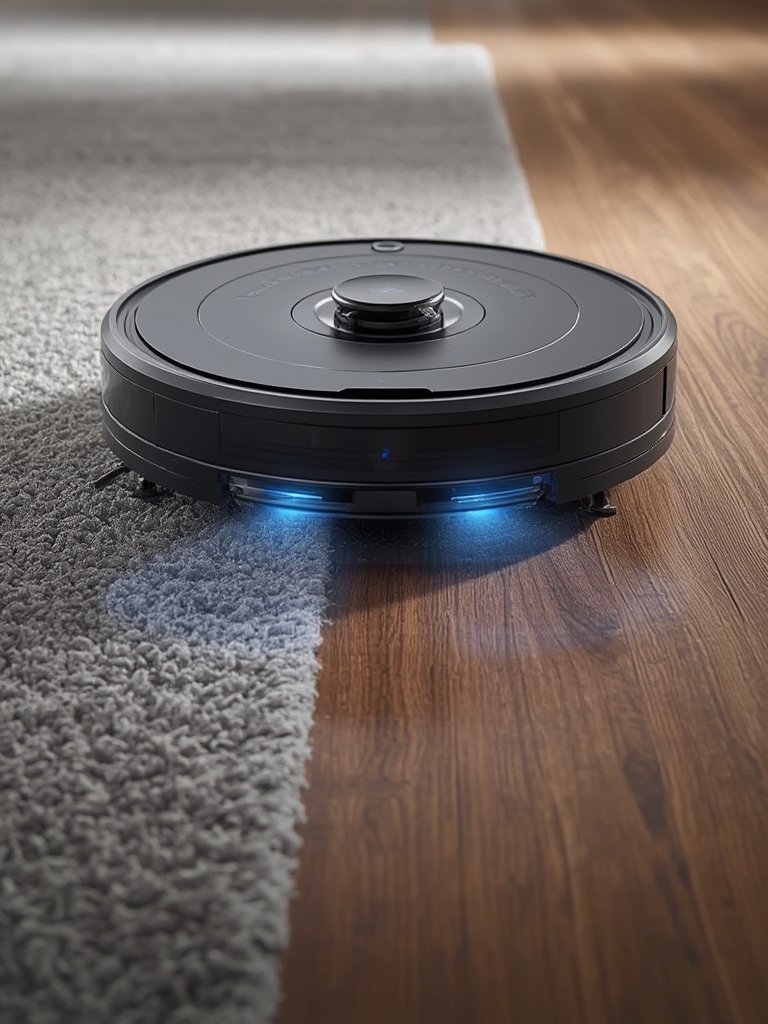
Lastly, don’t rely solely on “carpet mode” or generic water-stop settings. In many cases, only mechanical lifting or shielded mop designs reliably protect carpets. If you want a rug that’s both low-maintenance and easy to clean, combining your robot mop with a machine washable rug makes everything simpler in the long run.
For those serious about whole-home cleaning, you might want to explore advanced models with features such as mop swapping (learn more about mop-changing robots) or edge-cleaning (see our guide for spotless corners) for the most thorough results.
Advanced Analysis & Common Pitfalls
Despite marketing claims, even the best carpet safe robot vacuum mop models have real-world weaknesses. Here’s what you need to know before buying—and the problems users encounter most:
- Delayed or incomplete mop lifting: Several models (notably Eufy S1 Pro) still drag wet pads on carpet corners, often due to navigation or sensor lag (see test results).
- Optical camera confusion: Robots relying on optical cameras can misinterpret dark rugs as “cliffs,” and avoid cleaning them altogether (source).
- High pile and shag issues: Long strands or fringes still cause tangling or navigation stalling—even on $1,000 robots. LIDAR-equipped robots like Roborock generally outperform others on complex rooms and fluffy rugs.
- Poor mixed-floor handling: Ecovacs X2 OMNI and similar models may push debris off rugs onto hard floors, or get stuck at transition points.
- Maintenance costs: Automatic emptying docks can still leave debris (1–4g per empty), mops need weekly washing and quarterly replacement for best performance, and docks require periodic cleaning to avoid mold or clogging issues (see more).
- Non-rectangular or highly partitioned homes: Mapping and navigation can still fail in homes with complex layouts, odd angles, or many thresholds. Roborock’s software is considered the most robust—others may skip zones or mis-classify surfaces.
| Model | Mop Lift Height | Carpet Detection & Sensors | Carpet Dry in Tests? | Price (2024) | Notes |
|---|---|---|---|---|---|
| Roborock S8 MaxV Ultra | Not Specified | 3D/LIDAR, structured light; best object avoidance | Yes | $1099 | Never soaked carpet; top mapping reliability |
| Ecovacs X2 OMNI | Not Specified | Front LIDAR/camera; navigation errors | Not Always | $1099 | Stuck and debris left on edges |
| Dreame L10S Ultra | Not Specified | LIDAR; less accurate than Roborock | Mostly | ~$370–450 | Best value, strong vacuuming |
| Eufy S1 Pro | Sufficient lift for high-pile (not quantified) | Delayed corner lift; needs software fix | Mostly | ~$900 | Carpet edge performance depends on firmware |
| Ecovacs DEEBOT X8 | 10mm | Auto-lift for carpets | Yes | ~$800 | Noted for avoiding carpet wetting |
If you deal with frequent spills, are seeking full automation (mopping, drying, emptying), or want support for thick rugs, review specialty features in the roller mop robot vacuum segment, or explore newest robot vacuum mop combos for higher resilience on tricky surfaces.
For households worried about safety, check out solutions like a non-slip rug pad for better grip alongside your robovac.
Hidden costs (like frequent dock maintenance, high-priced replacement mop pads, or software glitches) can undermine the convenience promised by top brands. Always check recent user reviews and plan for routine maintenance.
Conclusion
Carpet safe robot vacuum mop systems can transform mixed-floor cleaning—but only if you choose models with proven mop lifting (at least 10 mm), reliable mapping, and transparent support for complex homes. The cost is higher up front, and you’ll need to keep up with maintenance, but genuine set-and-forget cleaning is possible. If you value dry carpets, low effort, and versatility, invest in a robot tested to keep all your floors spotless.
Ready to find the best carpet safe robot vacuum mop for your home? Check the latest models, compare test results, and be sure to review user experiences before you buy. Clean smarter, not harder—your floors (and carpets) will thank you!
Frequently Asked Questions
Will a carpet safe robot vacuum mop really keep my carpets dry?
High-end models with mechanical mop lifting, such as Roborock S8 MaxV Ultra, have kept carpets dry in third-party tests. However, navigation errors, sensor delays, or firmware bugs may still cause occasional wetting—especially on corners or with complicated room shapes.
What if my home has high-pile rugs or dark carpets?
Choose a model with verified high-lift capability (ideally 10 mm or more) and advanced sensors. Note that some robots mistake dark carpets for drop-offs and avoid cleaning them. Always run test cycles before relying on full automation.
How often do I need to maintain a robot mop with mop lifting?
You should wash or replace the mop pads weekly (or as directed), clean the auto-empty dock monthly, and check for debris left behind. Brush and filter replacements are typically needed every 2-3 months for best performance.
Are there extra costs beyond the initial robot purchase?
Yes. Critical ongoing costs include mop pad replacement, filter and brush refills, and dock maintenance. Factor these into your annual cleaning budget before buying.
Can one robot vacuum mop handle the whole house including thresholds and odd corners?
Top models like Roborock cope best with complex layouts but even these can miss certain zones, get stuck, or fail to mop/vacuum awkward transitions. Manual follow-up on especially tricky areas is sometimes still required.
—