

self washing robot vacuum hot water dock technology is changing the way homeowners approach floor cleaning, delivering true automation by washing mop pads with hot water and drying them automatically between cleans. But do these premium smart docks really deliver on the promise—and what should buyers watch out for in 2024?
Key Takeaways
- Hot water self-washing docks save time, reduce bacteria, and keep floors cleaner than manual mop pad rinsing.
- Real-world hot water temperatures often fall short of manufacturer claims, so performance can vary by model.
- Smart dock features like auto-empty, drying, and low-noise operation address many user pain points, but buyers should consider ongoing costs and maintenance.
- Understanding Self Washing Robot Vacuum Hot Water Dock Systems
- How to Get the Most from a Hot Water Self Washing Robot Vacuum Dock
- Advanced Analysis & Common Pitfalls
- Conclusion
- Frequently Asked Questions
Understanding Self Washing Robot Vacuum Hot Water Dock Systems
Self washing robot vacuum hot water dock units combine advanced cleaning automation with practical hygiene upgrades. Unlike regular charging docks or even standard self-cleaning docks, these systems use real hot water to wash mop pads—targeting sticky messes and bacteria that cold rinses may leave behind. Heated air drying then prevents mold and odors.
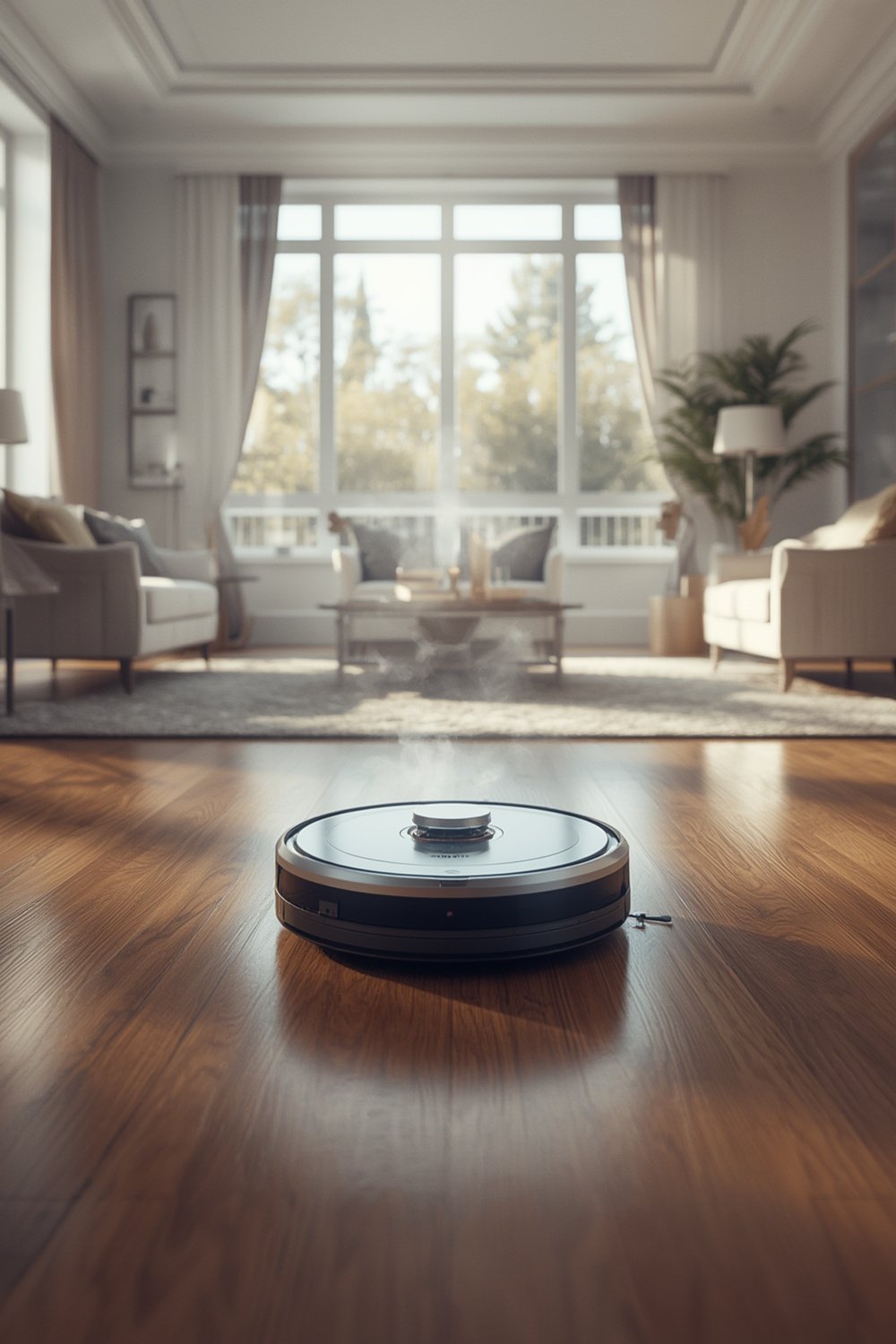
This tech isn’t just about convenience; it’s about reducing germs and maintaining cleaning performance over time. Leading brands like Shark and Dreame (see Vacuum Wars dock temperature review) are pushing hot water washing as the next leap in home automation. But real-world tests show results can fall short of claims. Many docks also add smart features like auto-empty debris stations, self-refilling tanks, and ultra-quiet operation. These upgrades promise a hands-off cleaning experience but aren’t free from compromises.
For busy homes, pet owners, and anyone seeking truly “set it and forget it” floor care, the self washing robot vacuum hot water dock is worth a close look. However, it’s important to understand the technical details and what to expect in day-to-day use.
How to Get the Most from a Hot Water Self Washing Robot Vacuum Dock
Here’s a step-by-step guide to optimizing your smart cleaning setup for reliability, hygiene, and minimum manual upkeep:
- Placement Matters: Position the dock in a spot with good airflow and access to fresh water/drain (for self-refill models). Tight spaces may increase humidity and odor risk, especially without hot air drying.
- Configure Your Cleaning Schedule: Use the app to map zones and schedule cleans. For tough areas (kitchens, mudrooms), increase washing/drying cycles. Brands like Dreame now allow per-room cleaning intensities.
- Monitor and Maintain: Check dirty water tanks and auto-empty bags weekly. Even with “60-day” debris claims, dusty homes or pets can fill bins faster.
- Check For Firmware and App Updates: Software fixes can add features, patch bugs, and improve cleaning logic. Always update before troubleshooting issues.
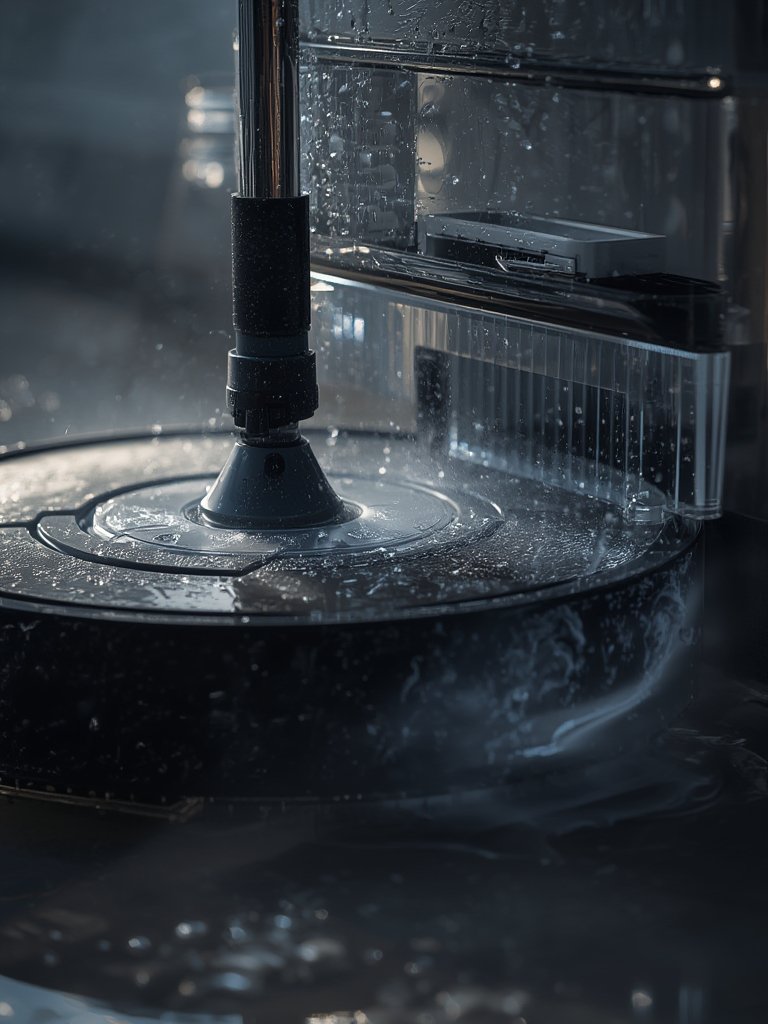
- Regularly Clean Dock Filters and Sensors: Many models now feature removable drain/trap filters. Rinse these every two weeks to prevent clogs, as shown in this EV dock demo.
- Replace Mop Pads, Bags, and Brushes Proactively: Don’t wait for the system to tell you! Heavy loads (pets, kids, sand) mean pads and filters wear faster. Set calendar reminders rather than relying on dock warnings alone.
Bonus: If you want to boost overall energy savings, combine your robot vacuum usage with smart home automation and energy efficiency upgrades for your home.
Advanced Analysis & Common Pitfalls
Even with the best self washing robot vacuum hot water dock, there are limitations and trade-offs to consider. Here’s what you should know before investing:
Real-World Temperature vs. Claims
Manufacturers may claim mop washing at up to 185°F (85°C), but third-party tests show actual dock temps range from around 83.1°F to 114.1°F—a big drop that can impact tough mess removal and bacteria control. Still, even these lower temps outperform cold rinses for most dirt and grease.
Common Pitfalls
- Dock Drainage & Mold: Despite hot air drying and drain filters, standing water or infrequent cleaning can allow mold or bacteria to develop. Always clean filters regularly and allow the dock to run its dry cycle fully.
- Noise: Premium models advertise quiet modes as low as 50 dB, but mop washing and drying can still be noisier than simple recharging docks. Schedule dock maintenance cycles for when you’re not working or sleeping nearby.
- Ongoing Costs: Replacement bags, mop pads, water filters, and optional detergents add recurring expenses. Most brands do not disclose average annual ownership costs, but heavy use means the typical owner will burn through supplies faster.
- Incomplete Automation: No hot water dock is 100% maintenance-free—you will still need to empty tanks and replace parts. Skipping this leads to performance drops and, potentially, system failures.
Feature Comparison Table
| Model | Claimed Wash Temp | Real-World Temp | Drying Method | Auto-Empty Capacity | Brush Design Notes |
|---|---|---|---|---|---|
| Shark PowerDetect ThermaCharged | 185°F water | 83.1–114.1°F | 175°F heated air | 60 days debris | Hair removal roller |
| Dreame Aqua10 | High (not specified) | Tied for 3rd (tests) | Heated air (premium) | Not specified | Extending roller for edges |
Source: vacuumwars.com
Other Missing Insights in Current Top Guides
- Most top-ranking guides fail to cover actual performance differences between hot and cold water docks, or provide data on bacteria reduction (see source).
- Pricing and ongoing cost comparisons are sparse. Expect premium models—with full-featured hot water docks—to run over $1000, with accessory costs not always apparent at the time of purchase.
- Long-term reliability statistics (frequency of clogs, error alerts, motor durability) are rarely mentioned in reviews or spec sheets.
- There is little discussion about which designs suit large homes vs. apartments. For small spaces, features like auto-refill/dry may be overkill, as daily-use loads are lighter.
- Few guides cover practical integration with room-specific mop automation or how these docks interact with carpets or sensitive flooring. If you have a mixed floorplan, check if your model supports carpet-safe mopping or customizable cleaning modes per room.
Conclusion
Hot water self washing robot vacuum docks have redefined automated floor cleaning. While brands like Shark and Dreame pack impressive features into their latest models, it pays to look past the marketing: real-world performance may not reach the hottest temps claimed, and all smart docks still demand regular maintenance.
For homes with busy floors, pets, or strict hygiene needs, investing in a self washing robot vacuum hot water dock delivers significant day-to-day convenience—if you understand and accept the realities. Start by researching models, reviewing real-world test data, and planning a schedule that keeps tank, filter, and pad maintenance minimal. Ready to automate your cleaning routine? Check model specs closely and make sure your space and habits align with the smart features.
Frequently Asked Questions
How does a self washing robot vacuum hot water dock actually work?
The robot returns to its dock, where pads are scrubbed with heated water and then dried with hot air. Some docks automatically empty the dustbin and refill water as needed, automating most manual steps.
Is hot water cleaning really more effective than cold water or standard cleaning?
Hot water helps break down grease and sticky messes and may reduce bacteria better than cold rinsing. However, real-world dock temps are often lower than claimed, so improvement depends on the specific model and mess type.
What maintenance does a hot water self washing docking station need?
You’ll need to empty dirty water tanks, replace auto-empty bags, and clean out drain filters every couple of weeks. Mop pads should be replaced as needed, especially with heavy use.
Do these docks add a lot of noise compared to regular vacuum docks?
Mop washing and drying cycles can be significantly louder than simple charging or auto-empty. Look for models with timed quiet modes or schedule cycles for when the area is less occupied.
Are there ongoing costs involved?
Yes. Expect costs for replacement bags, mop pads, and sometimes water filters or cleaning detergent. Owners with pets or large homes may need to stock supplies more frequently.
—