

Disclosure: ReviewGuid may earn from qualifying purchases when readers use product links in our reviews. This guide is educational and links to related ReviewGuid reviews.
Why Portion Control Matters More Than The App
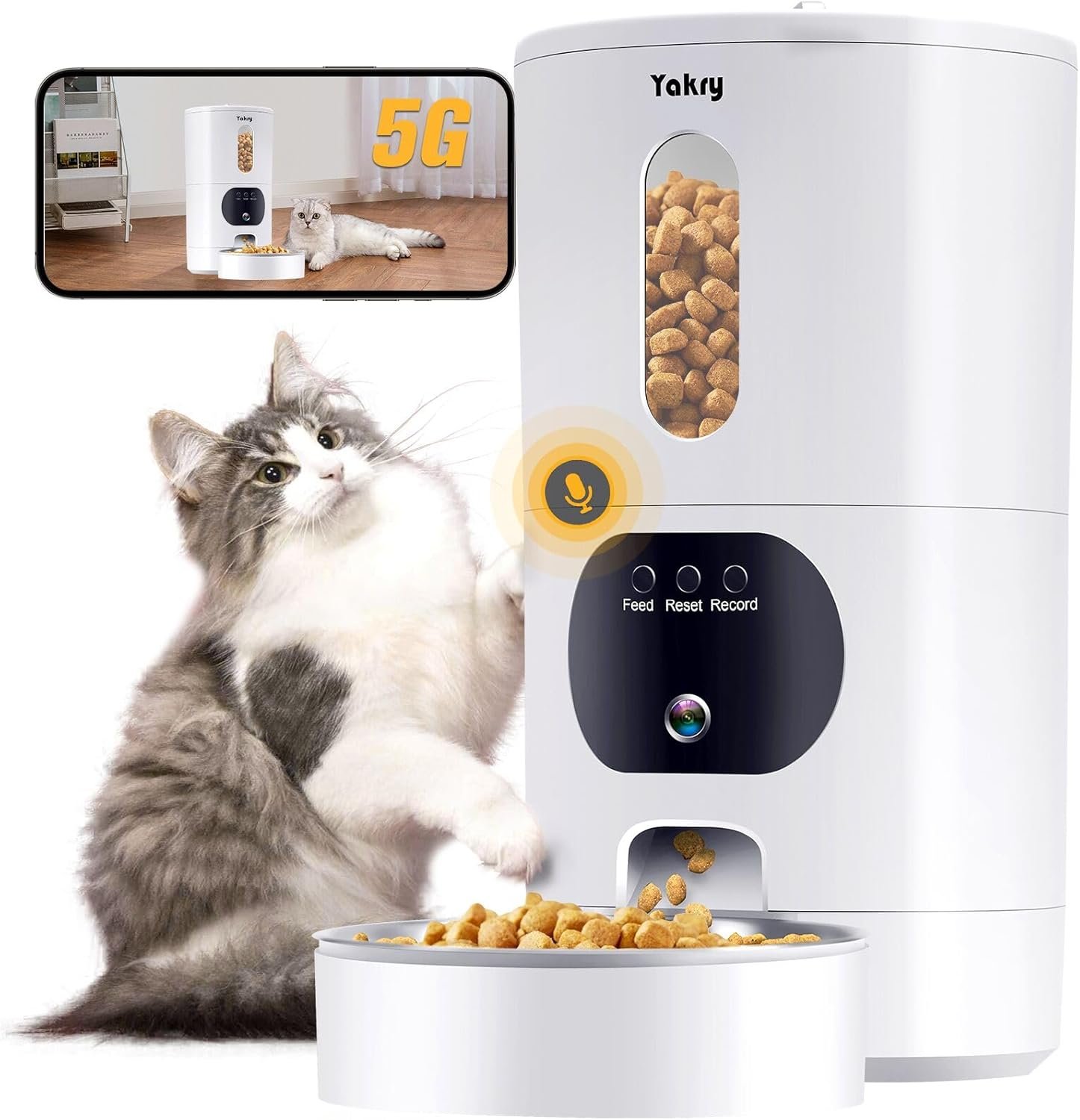
Automatic pet feeders are often marketed around cameras, voice recordings, and app alerts, but the core job is simpler: put the right amount of food in the bowl at the right time. A feeder with a great camera can still create weight problems if one portion is larger than the owner assumes. That is why portion control should be checked before any travel day, workday, or overnight schedule.
The safest setup is boring: measure the food, run a test dispense, weigh it, then adjust the app. Do this with the exact kibble your pet eats. Round kibble, flat kibble, and mixed-size formulas can dispense differently through the same chute.
Run before trusting a schedule
Do not rely only on app portions
Often runs motor only
Single hopper means single food
A Simple Setup Method For 2026 Feeders
Start with the daily calorie target from your food label or veterinarian. Convert that to grams of your current kibble. Divide by the number of meals you want per day. Then program one meal and weigh the output. If the feeder calls that output “three portions,” write it down. The label inside the app may not match another feeder brand.
For buyers comparing camera models, our WOpet 7L Smart Pet Feeder review explains the budget path, while the broader no-subscription pet feeder camera trend report covers why free app tiers matter.
Camera Feeders: Useful, But Not The Whole Decision
A camera is useful when it confirms whether the pet actually ate. It is less useful if it becomes the only reason to buy the feeder. The better question is whether the feeder still dispenses during an outage, whether the bowl can be cleaned easily, and whether the app lets you change schedules without a monthly fee.
| Feature | Why It Matters | Check Before Buying |
|---|---|---|
| Portion range | Controls calorie accuracy | Minimum and maximum grams per meal |
| Battery backup | Keeps meals running | Whether it powers motor, camera, or both |
| App tier | Affects long-term cost | Live view, alerts, and schedule editing |
| Hopper design | Affects cleaning and odor | Removable parts and chute access |
Pre-Trip Feeder Checklist
Frequently Asked Questions
How many meals should an automatic pet feeder schedule?
Most cats do well with two to four scheduled meals, but the exact plan should match the pet’s weight, food label, and veterinary guidance.
Does portion size matter more than meal count?
Yes. Meal count controls timing, while portion size controls total calories. Both need to be checked before leaving a feeder unattended.
Should camera feeders require a subscription?
Not necessarily. Some feeders keep live view, scheduling, and alerts on a free tier, while others charge for cloud storage or advanced alerts.
Can battery backup run the camera?
Usually no. Many feeders use battery backup for the dispensing motor only, not Wi-Fi or camera streaming.
Sources checked: ReviewGuid product reviews, FDA pet food handling guidance, and current automatic feeder product documentation.